Community management teams often spend a lot of time issuing permits for renovation requests from residents, contractor access, vendor entry, move-outs, or other temporary approvals. Though it is a simple activity, it often takes up hours of time.
To solve this exact issue, the new System-Generated Permits capability in ADDA Community Forms is designed to help you issue permits more smoothly and with less manual effort.
Table of Contents
The Need for Permit Management in Communities
Permits are typically required when repeated or time-bound access needs to be granted, rather than a one-time visitor entry. These permits issued by the community management team, ensures that the authorised personnel, for valid purposes only gets access to the community.
Common scenarios for which permits are issued include renovation permits that are shared with contractors for repeated access, move-out permits used by residents, and temporary access permits for vendors or service providers working over a defined period, and many more.
Even though permit approvals are a routine part of community management, generating and issuing permits is still often a manual process. Admins usually end up drafting permit documents separately, copying resident and unit details, converting files, and sharing the permits over email.
Especially for large communities, this approach is time-consuming and can be prone to small errors, especially when multiple permits need to be handled every day.
Some common challenges community admins face include:
- Spending significant time creating permit documents
- Handling follow-ups when details are missed or permits need to be corrected or resent.
- Managing permit issuance alongside other daily responsibilities, adding to operational pressure in larger communities.
Over time, what should be a straightforward task becomes a time-consuming task needed to be done as part of community operations.
Benefits of System-Generated Permits
The System-Generated Permits feature in ADDA offers a more streamlined way for community admins to issue permits.
This feature is designed to help community admins manage permits as part of the same workflow used for handling requests, rather than relying on separate documents or manual steps.
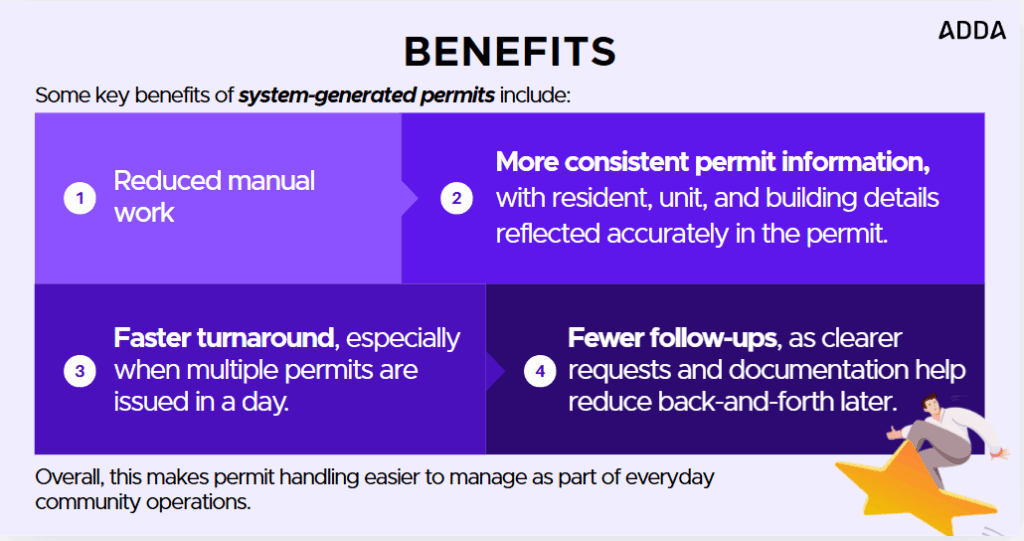
Some key benefits of system-generated permits include:
- Reduced manual work
- More consistent permit information, with resident, unit, and building details reflected accurately in the permit.
- Faster turnaround, especially when multiple permits are issued in a day.
- Fewer follow-ups, as clearer requests and documentation help reduce back-and-forth later.
Overall, this makes permit handling easier to manage as part of everyday community operations.
How to use the Feature?
The System-Generated Permits feature is available within Community Forms in ADDA.
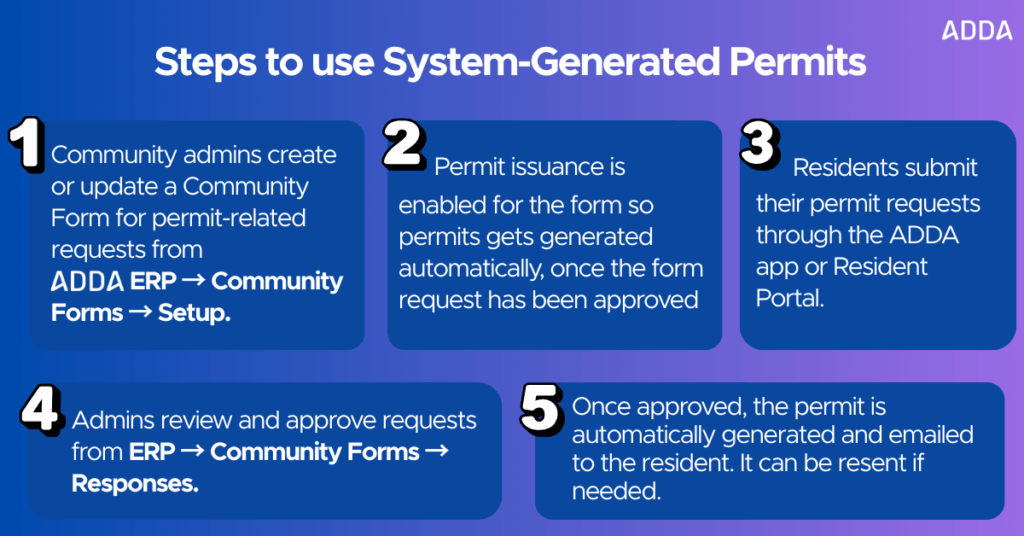
Steps to use System-Generated Permits
Step 1: Community admins create or update a Community Form for permit-related requests from ADDA ERP → Community Forms → Setup.
Step 2: Permit issuance is enabled for the form so permits gets generated automatically, once the form request has been approved
Step 3: Residents submit their permit requests through the ADDA app or Resident Portal.
Step 4: Admins review and approve requests from ERP → Community Forms → Responses.
Step 5: Once approved, the permit is automatically generated and emailed to the resident. It can be resent if needed.
Conclusion
Issuing permits doesn’t need to feel like extra work layered onto an already busy day. With system-generated permits in ADDA Community Forms, community admins can issue permits more smoothly, without switching tools or recreating documents each time.For any questions, reach out to our support team at support@adda.io.