Every month, before the management committee review, Mr. Anand, a management committee member, logs into ADDA to review collections, check pending dues, validate recent transactions, and go through a few financial summaries before presenting the latest updates to the committee.
Like Mr. Anand, secretaries, treasurers, and office admins also handle regular financial and operational reviews as part of their community management responsibilities.
And in fulfilling these responsibilities, there are certain reports they consistently rely on to monitor the community, verify key figures, and stay prepared for every discussion.
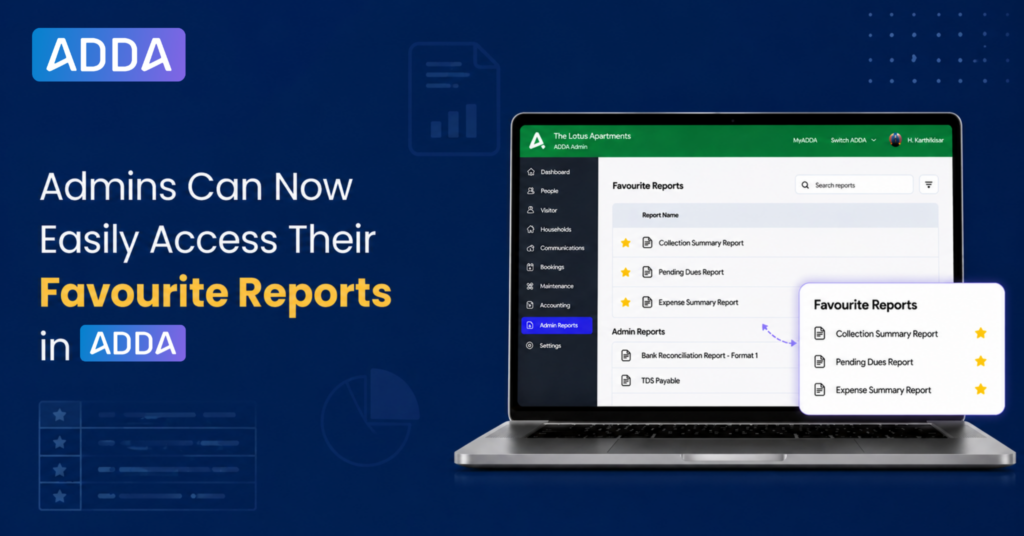
To make this everyday navigation simpler, ADDA now introduces Favourite Reports in Admin Reports.
What Is the Favourite Reports Feature in ADDA?
Admins can now star any report they use regularly. Once starred, it shows up in a dedicated Favourite Reports section right at the top of Admin Reports, so the reports that matter most are the first thing they see.
This gives every member of the community management team, a personalized quick-access space inside the larger reports repository, making the reports they rely on most, easily accessible during regular monitoring and review.
Favorite reports are user-specific: This means each admin gets their own separate Favourite Reports list based on the reports they personally use most often.
How Does Favourite Reports Improve the Review Process?
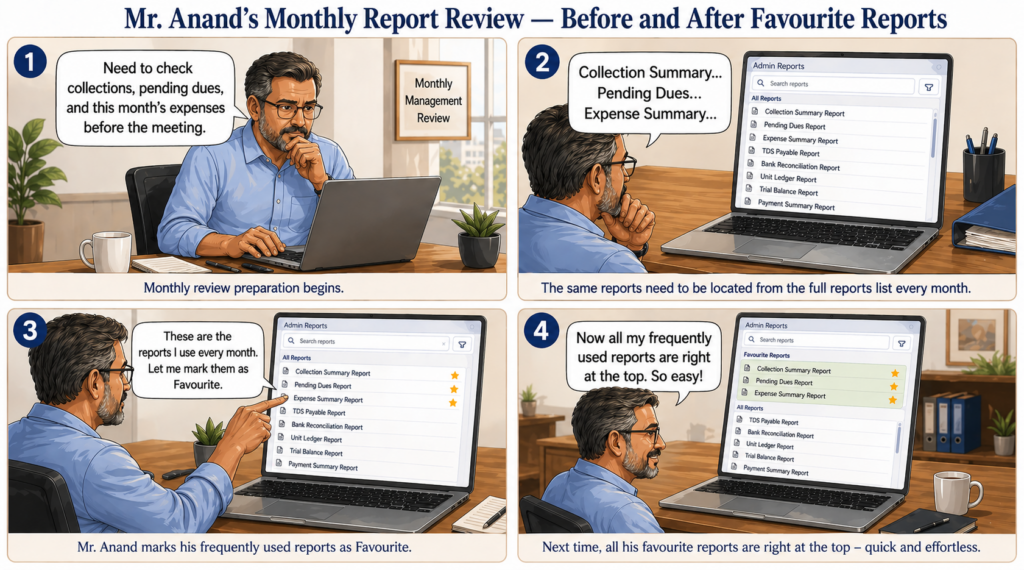
Back to Mr. Anand. He logs in for his monthly review, and instead of digging through the full list of reports, his go-to reports are already there under Favourite Reports, ready to open.
This makes:
- monthly reviews faster,
- report navigation easier,
- and regular financial monitoring is more organized.
It is a simple enhancement, but one that saves repeated effort for admins who work with the same reports as part of their ongoing responsibilities.
How Can Admins Start Using Favourite Reports?
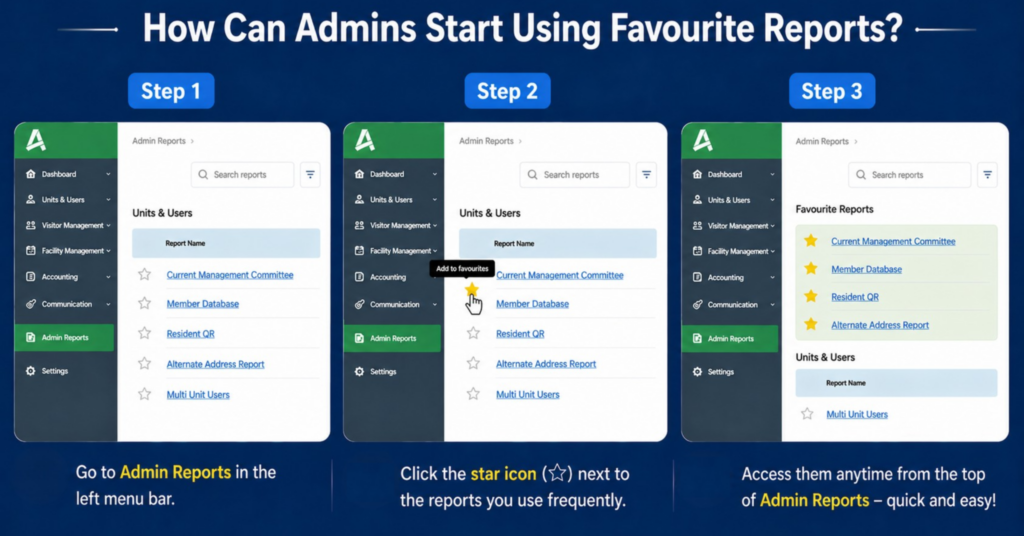
Using the feature is simple:
- Open Admin Reports
- Click the star icon beside the reports you use frequently
- All starred reports automatically get added to Favourite Reports
- Access them anytime from the top of Admin Reports
Favourite Reports is now available inside ADDA Admin Reports, helping admins make their routine financial and operational reviews simpler and more efficient.
If you are not using ADDA and would like to explore this feature for your community or understand how ADDA can further streamline your day-to-day admin workflows, book a demo with us.