Problem
Admin accounts protected only by passwords are vulnerable to credential theft and unauthorized access. Since communities rely on ADDA to manage sensitive resident and operational data, stronger and consistent security across both ERP and Admin App is required.
What's Changed
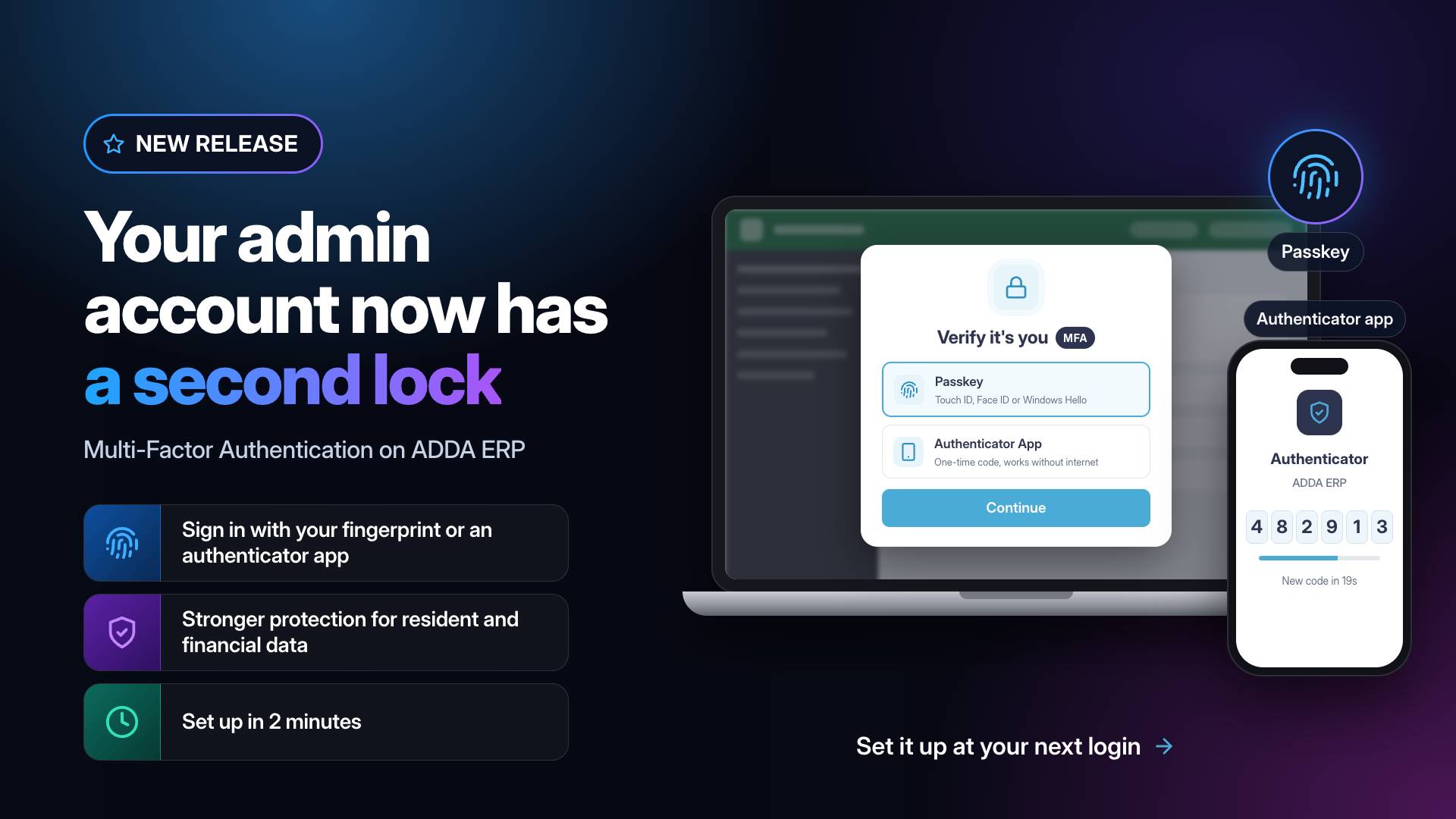
- Multi-Factor Authentication (MFA) is now rolled out to every admin and office staff account, with a 30-day grace period during which setup can be skipped. After that, MFA becomes mandatory and cannot be turned off.
- Admins and office staff can set up MFA, add a second method, and choose their default method from Security settings in ERP.
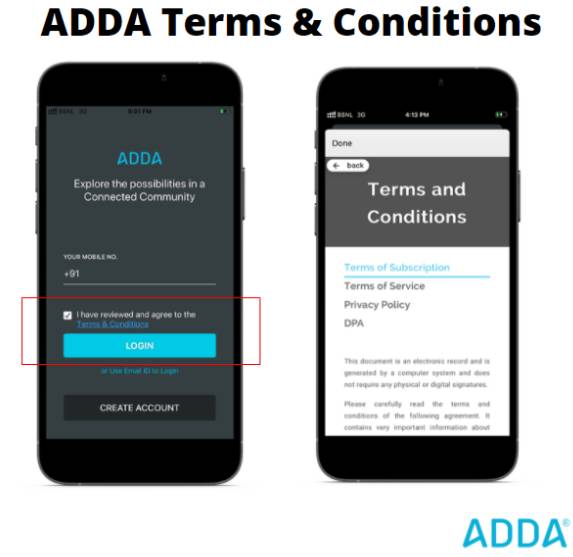
- MFA is now integrated across ERP and Admin App login flows:
* Users without MFA are prompted to set it up.
* Users past their grace period are blocked until setup is complete.
* Users with MFA already set up are asked to verify at every login.
- Supported methods: Authenticator App (TOTP) and Passkey (Touch ID, Face ID, Windows Hello, device PIN).
- Registered phone number (SMS OTP) is available as a fallback when the primary method isn't accessible.
Where
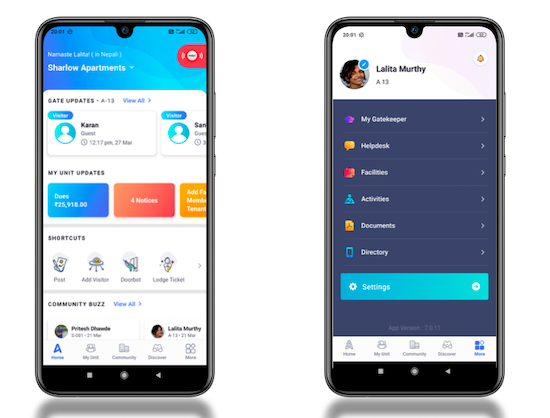
➡️ ERP Admin App → Login Flow
➡️ ERP → Profile / Preferences → Security
Key Benefits
1. Stronger account security – even a compromised password alone can't grant access.
2. Unified cross-platform experience – MFA is set up once and applies across ERP and Admin App.
3. Secure by default – every admin gets a 30-day window to set up MFA at their own pace, with no lockouts thanks to the phone fallback.
4. Modern, phishing-resistant methods – Passkey support means no codes to type.